

Creative software can professionals turn ideas into finished work. Whether you are designing graphics, editing videos, writing content, managing projects, or working with clients, the right tools can make the creative process more organised and efficient.
However, choosing software can be difficult. There are thousands of applications available, and many offer overlapping features. Using too many tools can also create unnecessary complexity, especially when files, projects, communication, and workflows are spread across different platforms.
The best approach is to choose software based on your actual creative workflow and the problems you need to solve.
In this guide, we’ll explore important software categories for creative professionals, what each category can help you accomplish, and how to choose tools that support your work without making your workflow unnecessarily complicated.
Table of Contents
1. Graphic Design and Visual Creation

Graphic design software is essential for professionals who create visual content such as branding, marketing materials, social media graphics, presentations, illustrations, and digital artwork.
When choosing a design application, consider the type of work you produce and the level of control you need.
Some professionals may need advanced tools for detailed image editing and illustration, while others may benefit more from simpler platforms that make it easy to create designs quickly.
Important features to consider include:
- Image editing and manipulation
- Vector design
- Illustration capabilities
- Templates and design assets
- Collaboration features
- Export options
- File compatibility
The right choice depends on your workflow. A professional designer with complex requirements may need advanced capabilities, while a freelancer producing marketing graphics may prioritise speed and ease of use.
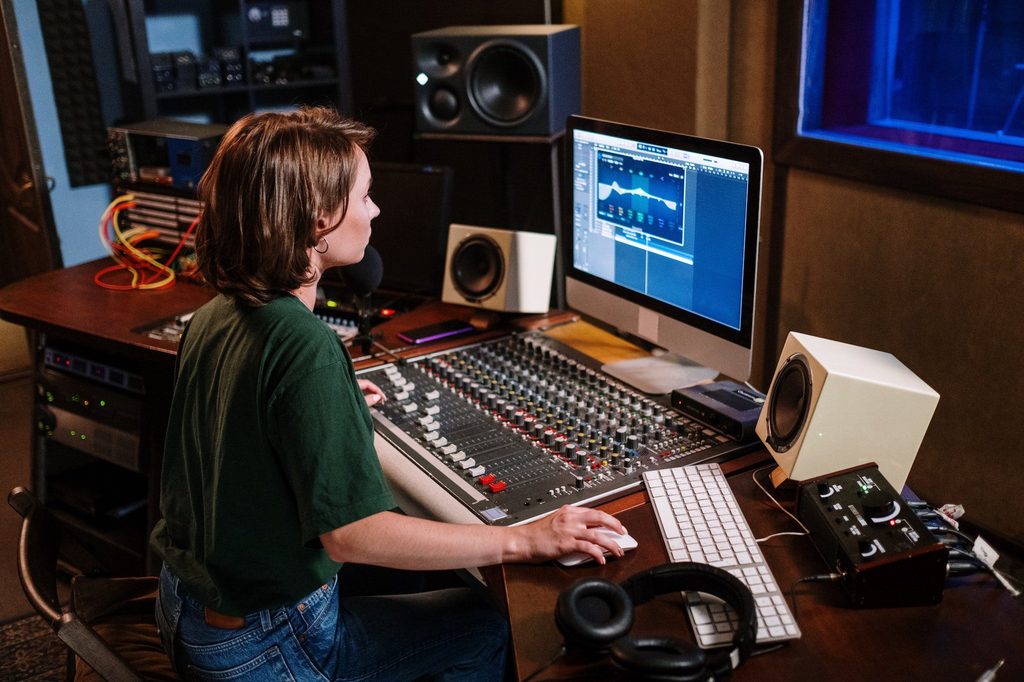
2. Video and Audio Editing
3. Writing Content Creation Tools
Writers, marketers, bloggers, and other content professionals need reliable tools for planning, drafting, editing, and organising written work.
A good writing environment should make it easy to focus on the content without creating unnecessary distractions.
Depending on your workflow, useful features may include:
- Document organisation
- Grammar and spelling assistance
- Editing tools
- Content planning
- Collaboration
- Version history
- Cloud access
AI-powered writing tools can also support parts of the creative process, such as brainstorming, outlining, editing, and generating initial ideas.
However, AI should support the creative professional rather than replace their judgement. Human review remains important when accuracy, originality, tone, and subject expertise matter.
4. Project Management and Organisation
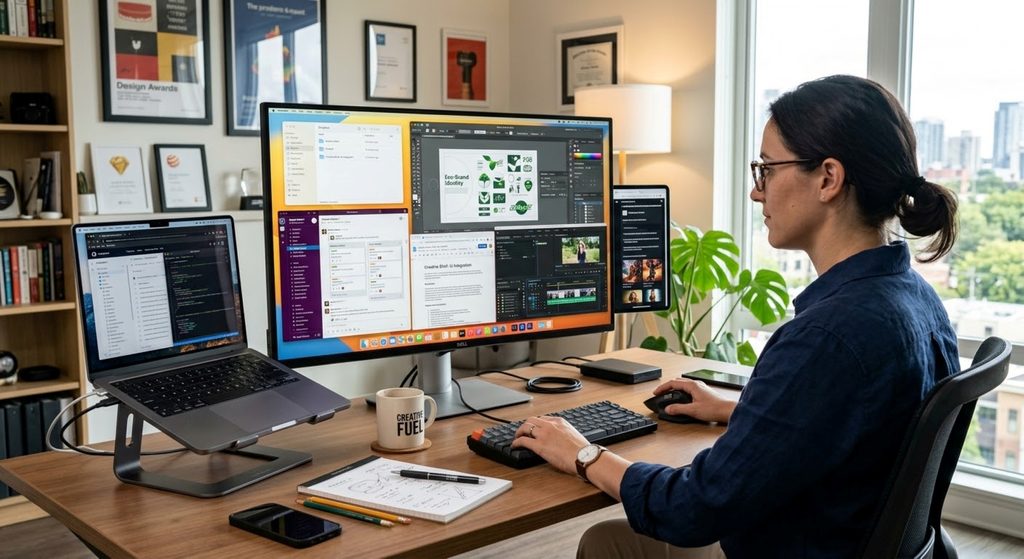
Creative projects often involve multiple tasks, deadlines, files, revisions, and client requests.
Project management software can help creative professionals organise this work in one place.
Useful capabilities include:
- Task lists
- Deadlines
- Project boards
- Task assignments
- Progress tracking
- Comments and collaboration
- File attachments
- Notifications
The best project management system is not necessarily the one with the most features. It should be simple enough that you can consistently use it to understand what needs to be done and when.
For freelancers, a clear system can also make it easier to separate different clients and keep track of upcoming deadlines.
5. Cloud Storage and File Management

Creative work often involves large files and multiple versions of the same project.
Cloud storage can make it easier to access files from different devices, share work with clients, and maintain backups.
When choosing a storage solution, consider:
- Available storage
- File size limits
- Sharing permissions
- Synchronisation
- Version history
- Backup capabilities
- Security
A consistent file organisation system is just as important as the storage platform itself.
Create clear folders for clients, projects, working files, final files, and archived work. This can save significant time when you need to locate an older project.
6. Collaboration and Communication
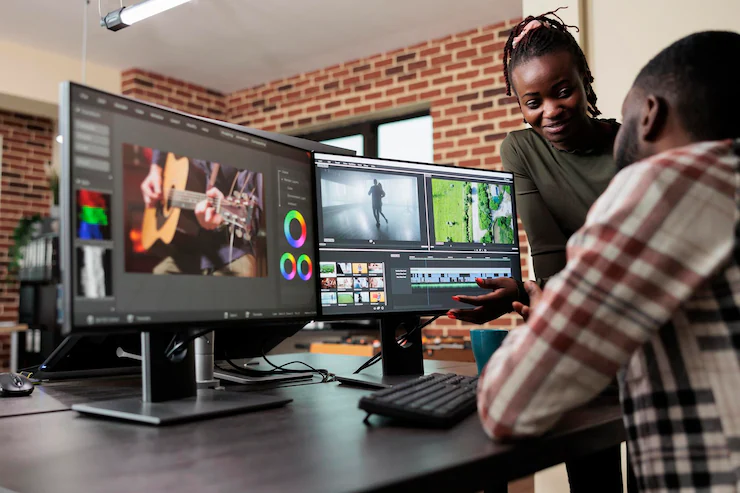
Creative work often involves collaboration between freelancers, clients, designers, writers, developers, and other professionals.
Communication tools can help teams exchange information, discuss projects, and provide feedback without relying entirely on email.
Depending on the project, you may need:
- Instant messaging
- Video meetings
- File sharing
- Comments and feedback
- Project discussions
- Notifications
- Team channels
However, using too many communication platforms can create confusion.
Whenever possible, establish clear expectations about where different types of communication should happen. For example, project discussions might stay within a project management system while urgent conversations happen through messaging.
7. Scheduling and Time Management
Creative professionals often manage several projects at the same time. Without a clear schedule, deadlines can quickly overlap.
Calendar and time-management tools can help you plan work, allocate time to projects, and maintain visibility over upcoming commitments.
Useful features may include:
- Calendar scheduling
- Reminders
- Time tracking
- Recurring tasks
- Availability management
- Project time allocation
Time tracking can be particularly useful for freelancers who charge hourly rates or want to understand how much time different types of projects require.
The goal is not to fill every minute of the day. Effective scheduling should leave enough room for creative work, revisions, unexpected requests, and breaks.
8. AI Tools for Creative Work
AI tools are becoming increasingly useful across creative industries.
Depending on the task, AI can assist with brainstorming, research, writing, image generation, transcription, editing, summarisation, and other parts of the creative process.
The most useful applications are usually those that reduce repetitive work or help professionals explore ideas more quickly.
However, creative professionals should evaluate AI tools carefully.
Consider:
- Output quality
- Accuracy
- Privacy
- Commercial usage rights
- Integration with existing software
- Cost
- How much human review is required
AI can improve productivity, but the final creative decisions should remain with the professional responsible for the work
9. How to Choose the Right Creative Software
Choosing software based only on popularity can lead to unnecessary expenses and complicated workflows.
Instead, start by identifying what you need the software to accomplish.
Ask yourself:
What problem am I trying to solve?
A tool should have a clear purpose in your workflow.
How often will I use it?
A powerful application may not be worthwhile if you only need its advanced features occasionally.
Does it work with my existing tools?
Compatibility and integrations can prevent unnecessary manual work.
Is it appropriate for my skill level?
A complicated application may provide more features but take longer to learn and manage.
Does the cost make sense?
Consider both the subscription price and the value the tool provides.
Can I rely on it for professional work?
Look at stability, support, security, export options, and the ability to access your work when you need it.
10. Avoid Building an Overcomplicated Software Stack
Creative professionals can easily accumulate software over time.
One application may be added for editing, another for collaboration, another for project management, and another because it offers a useful feature.
Eventually, several tools may perform similar functions.
An oversized software stack can increase costs and make workflows harder to manage.
Review your tools regularly and ask:
- Do I still use this software?
- Does it solve an important problem?
- Is another tool already providing the same function?
- Does it integrate with the rest of my workflow?
- Is the cost justified by the value it provides?
Removing unnecessary software can be just as valuable as discovering a new tool.
Creative Software Selection Checklist
Before choosing a new creative software tool, ask:
- What specific problem will this tool solve?
- Does it support the type of creative work I produce?
- Will it work with my existing software?
- Is the learning curve reasonable?
- Does the pricing fit my budget?
- Does it provide the features I actually need?
- Can I easily access and manage my files?
- Does it offer suitable collaboration or sharing features?
- Are privacy and security requirements appropriate?
- Can I export my work in the formats I need?
- Will I use it frequently enough to justify the cost?
- Could an existing tool already solve the same problem?
A good software stack should make creative work easier, not create another layer of administration.
Wrapping Up Key Insights
The best software for creative professionals is not necessarily the software with the longest feature list or the largest number of users.
The right tools are the ones that support your specific workflow, solve genuine problems, and help you produce better work without creating unnecessary complexity.
Consider your needs across design, video and audio, writing, project management, file storage, communication, scheduling, and AI-assisted creative work. Then choose tools based on how well they fit together and how much value they provide.
Review your software stack regularly as your work changes. New tools can be useful, but adding software simply because it is popular can make your workflow more complicated.
Ultimately, a well-chosen collection of creative software should give you more time and space to focus on the work that matters most: creating valuable work for your clients, audience, or business.
Leave a Reply